AI Whiteboard Video: Hand-drawn explainer videos, made in minutes
Drop in drawings, text and your voice. A hand draws it all, the camera follows, and you export an MP4 ready for WhatsApp, Reels or YouTube.
Free plan with monthly credits · No card needed · Works in your browser
Sunlight bends in raindrops
Try one of these
How to make a whiteboard animation video with AI
Four steps from a sentence to a finished explainer video. Start from an idea, your own script, or a blank board.
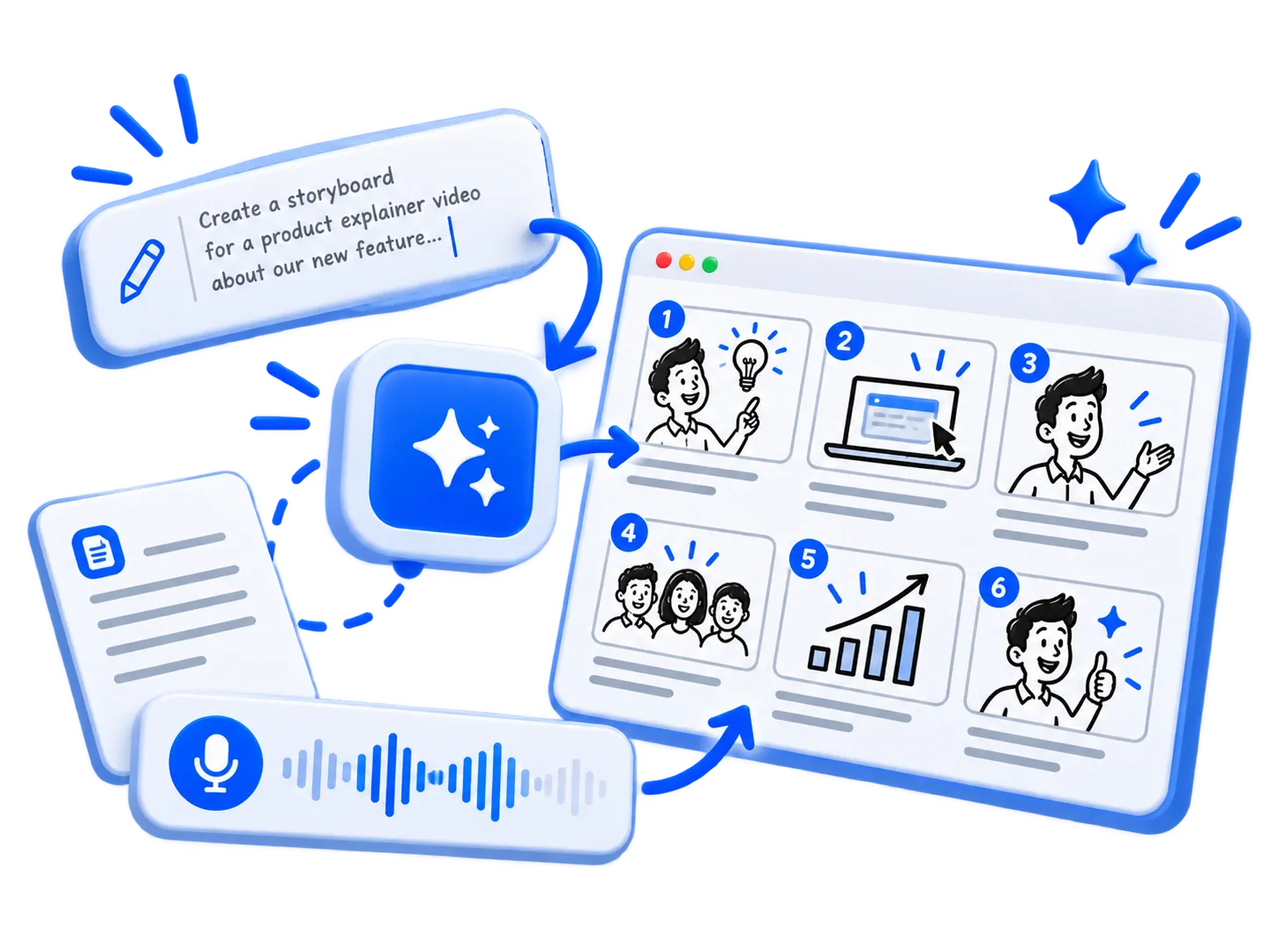
1Describe your idea, get a storyboard
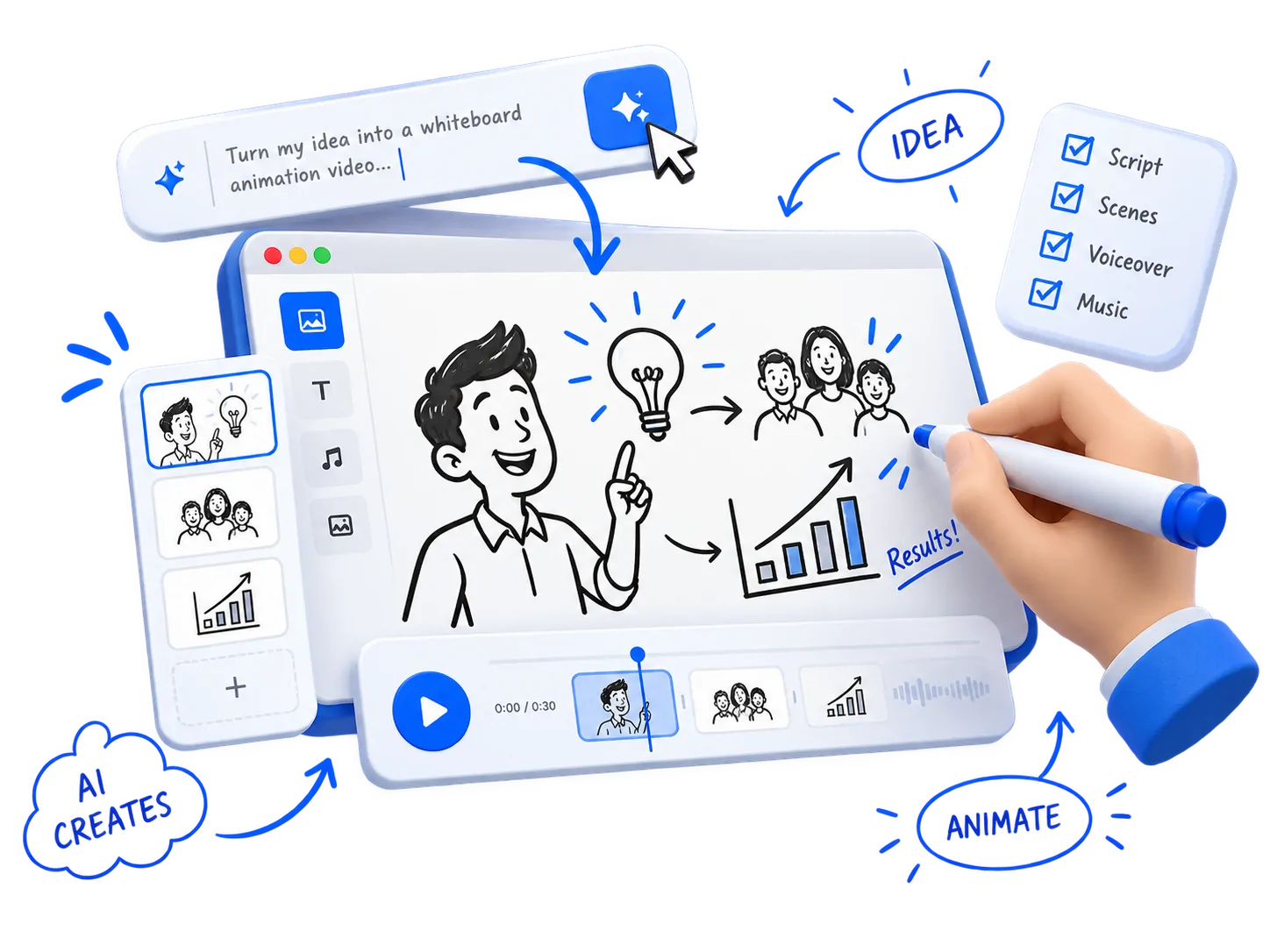
Type what you want to explain and who it is for, or paste your own script or story. The AI writes the narration and splits it into scenes, so you start from a full storyboard instead of a blank page.
AI script writer, or your own script
Pick a length, a format and a voice
Every scene can be rewritten on its own
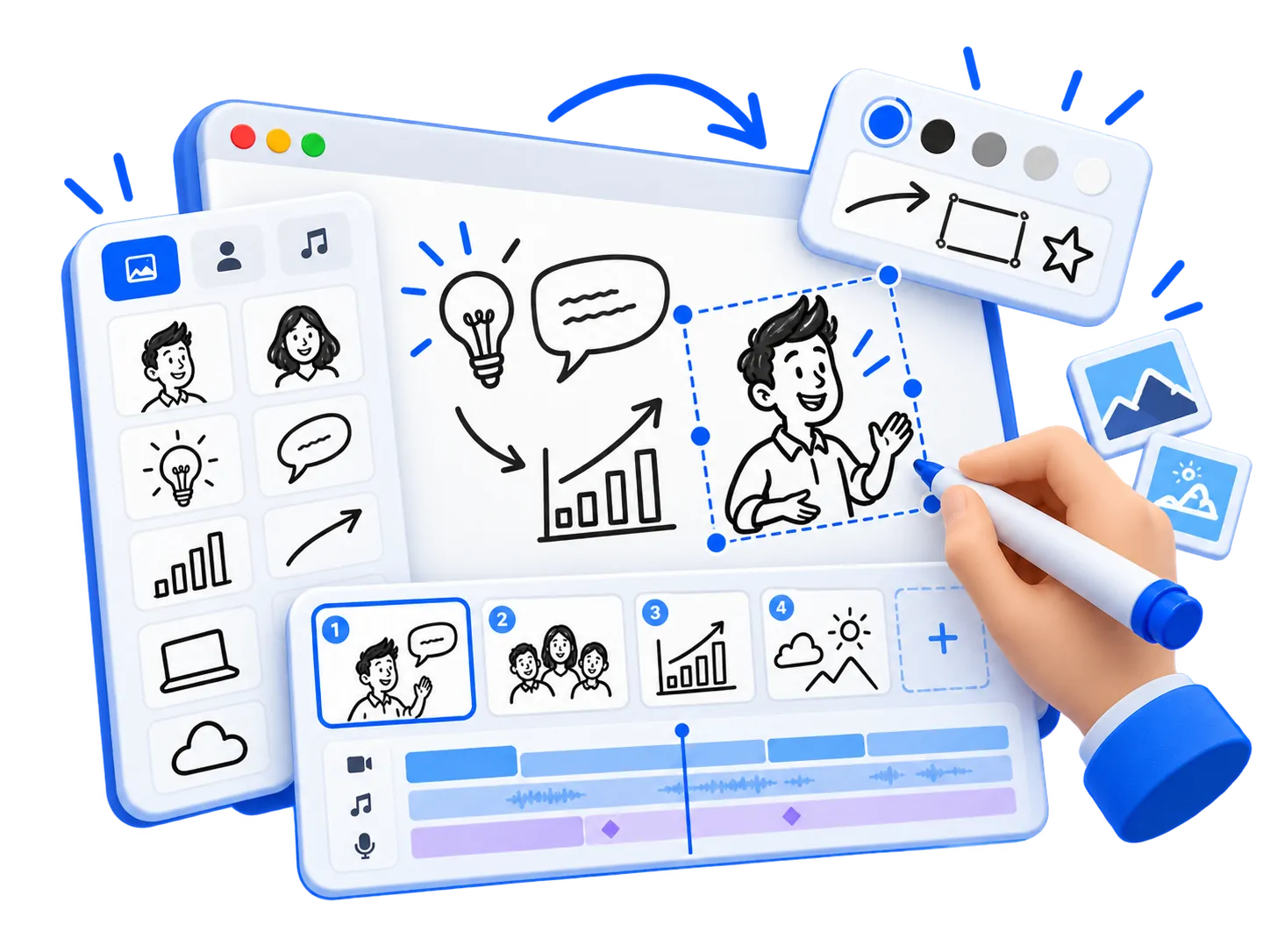
2Make every scene your own
Each scene opens in a simple editor. Drag in doodles from the library, ask the AI to redraw one, write in handwriting fonts, add your own images, and set the timing of every drawing on the timeline.
Doodle library and AI drawings
Handwriting fonts and your own images
Scenes, voice and music on one timeline
3Watch a hand draw it
Press play and a hand sketches every drawing and word stroke by stroke while the camera follows the story. Add an AI voiceover or record your own, and the captions and music line up with it.
Drawn stroke by stroke, then coloured in
Camera zooms and pans to each drawing
Voiceover, captions and background music
4Export and share anywhere
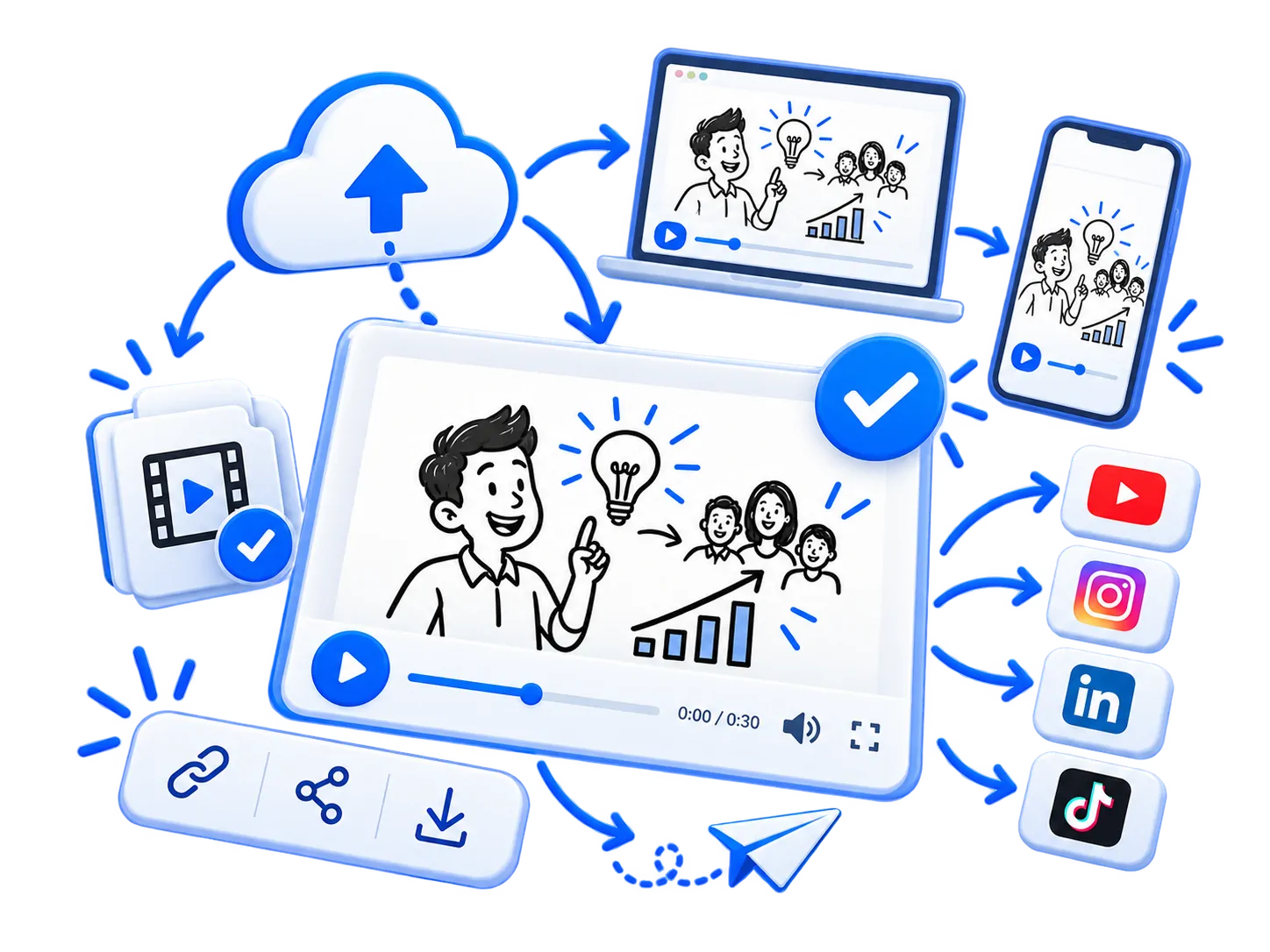
Export an MP4 in landscape, vertical or square, ready for YouTube, Instagram Reels, TikTok, LinkedIn or WhatsApp. The video is made in your browser, and your projects stay in your account on the web and on Android.
MP4, WebM or GIF export
16:9, 9:16 or 1:1 at up to 60 fps
Same account on web and Android
Everything a whiteboard video needs
Drawn by a real-looking hand
Drawings, text and even photos are sketched stroke by stroke, then coloured in.
A camera that follows the story
Zoom and pan to each drawing as it appears, like a presenter at a whiteboard.
Voice, captions and music
Record or upload a voiceover, add music, then trim, fade and set levels on a timeline.
AI that writes and draws with you
Describe a scene and the AI adds the drawings, text and timing. Redraw a picture or rewrite a scene whenever you like.
16:9, 9:16 or square
Ready for YouTube, Reels, WhatsApp or a slide. Export happens on your device.
Phone and computer, one account
Start in the Android app, finish on a laptop. Your videos follow you.
Made for anyone who explains things
Doodle videos keep people watching, whatever you teach, sell or pitch.
Teachers and tutors
Turn a lesson into a short animated explainer that students can pause and rewatch.
Product and SaaS explainers
Show what your product does in under a minute, for your homepage, a demo or a launch.
Reels, Shorts and TikTok
Make vertical 9:16 doodle videos that stop the scroll and explain one idea well.
Training and onboarding
Explain a process, a policy or a tool once, and let every new hire watch it.
Pitches and presentations
Open a pitch or a slide deck with a hand-drawn story instead of bullet points.
Students and creators
Present a project, summarise a book or explain a topic for your channel.
The same studio, on Android
Write, draw and export on your phone. Plans and credit packs are bought in the app through Google Play, and work here too.
Canimator
How do rainbows form?
Sunlight bends in raindrops
Create a free account
Start here, finish on a laptop
Start free. Upgrade when you need more.
Credits pay for AI writing, drawing and voice. Paid plans are bought in the Android app and work everywhere.
What people ask before their first whiteboard video.
What is Canimator?
Canimator is an AI whiteboard animation maker. Describe an idea or paste a script, and it writes the narration, plans the scenes, draws each one stroke by stroke with a hand, adds voiceover, captions and music, and exports a video ready for YouTube, Reels, TikTok or a slide. It works in the browser and in the Canimator Android app.
What is a whiteboard animation video?
A whiteboard animation, also called a doodle or scribe video, is an explainer video in which a hand draws pictures and words on a white board while a narrator speaks. Because viewers watch each idea appear, it holds attention and makes complicated topics easier to follow, which is why it is popular for teaching, training and product explainers.
How do I make a whiteboard animation with AI?
Type what you want to explain and who it is for, or paste your own script. Pick a length, a format and a voice, and Canimator writes the script, splits it into scenes and draws each one by hand. Then change any drawing, word or timing in the editor and export the video.
Do I need drawing or video editing skills?
No. The AI makes the drawings and lines up the timing, and a hand animates every drawing, text and photo for you. You can still move, resize, redraw or replace anything on the timeline when you want to.
Can I use my own script, voice and images?
Yes. Paste your own script or story, or start from a blank board. Record or upload your own voiceover, add your own images and photos (they are sketched by hand too), and add music.
What formats can I export?
MP4 (H.264 with AAC sound), WebM or GIF, in 16:9 landscape, 9:16 vertical or 1:1 square, at 24, 30 or 60 frames per second. That covers YouTube, YouTube Shorts, Instagram Reels, TikTok, LinkedIn, WhatsApp and presentation slides.
How long does it take to make a video?
A first draft of a short explainer is usually ready in about a minute. After that you can polish it for as long as you like: rewrite a scene, redraw a picture or change the voice.
Is Canimator free?
You can sign up and make videos for free, with no credit card needed. AI features such as script writing, drawings and voiceover can use credits, and plans with more credits are available in the Canimator Android app.
Does Canimator work on phones?
Yes. Canimator runs in any modern browser on a computer, and there is a Canimator app for Android. One account works on both, so you can start a video on your phone and finish it on a laptop.